
students worldwide
THE SCHOOL IN NUMBERS
professional lessons
founded in Ukraine
focused programs

FOUNDED BY PRACTITIONERS
WE TEACHTHE WAY WEWORK.
We are Olha and Yurii Kukushkin, founders of KF.SOLUTIONS and KFSCHOOL. We have worked in architectural visualization since 2011, creating hundreds of images and projects for clients around the world. Our teaching grows out of that daily studio practice.
We started sharing our knowledge because the learning resources we saw online often left gaps: individual tutorials answered isolated questions, while broad courses offered too little practical direction. We wanted to connect the steps into a clear path from a first scene to work you can deliver to a client.
Our courses move step by step, from simple tasks to more complex ones. We explain what matters, show how to apply it and leave out unnecessary information. Students build the specific knowledge, visual judgment and technical skills they need for real projects. The work of our many graduates is the clearest evidence that this approach works.
We keep our course materials current as our own workflow evolves, sharing the knowledge and techniques we use in our work today.
We regularly invite students who stand out during our courses to collaborate with KF.SOLUTIONS on studio projects.
CHOOSE YOUR TRAJECTORYSTART FROM ZERO.
START FROM ZERO.
OR GO FURTHER.
One visual language. Two entry points. A clear path from first scene to professional authorship.

KFSCHOOL01 / FOUNDATION
YOUR FIRST COMPLETE 3D PROJECT
LIGHT
START
Begin with no prior experience. Learn the logic of space, camera, light and materials — then create your first complete 3D project.
VIEW PROGRAMALREADY WORKING?ENHANCE YOUR
ENHANCE YOUR
PROFESSIONAL SKILLS.
Choose a specialization and sharpen the part of your practice that will change your work most.
KFSCHOOL02 / PRO
INTERIORS · 3DS MAX + CORONA
PERFECT
RENDER
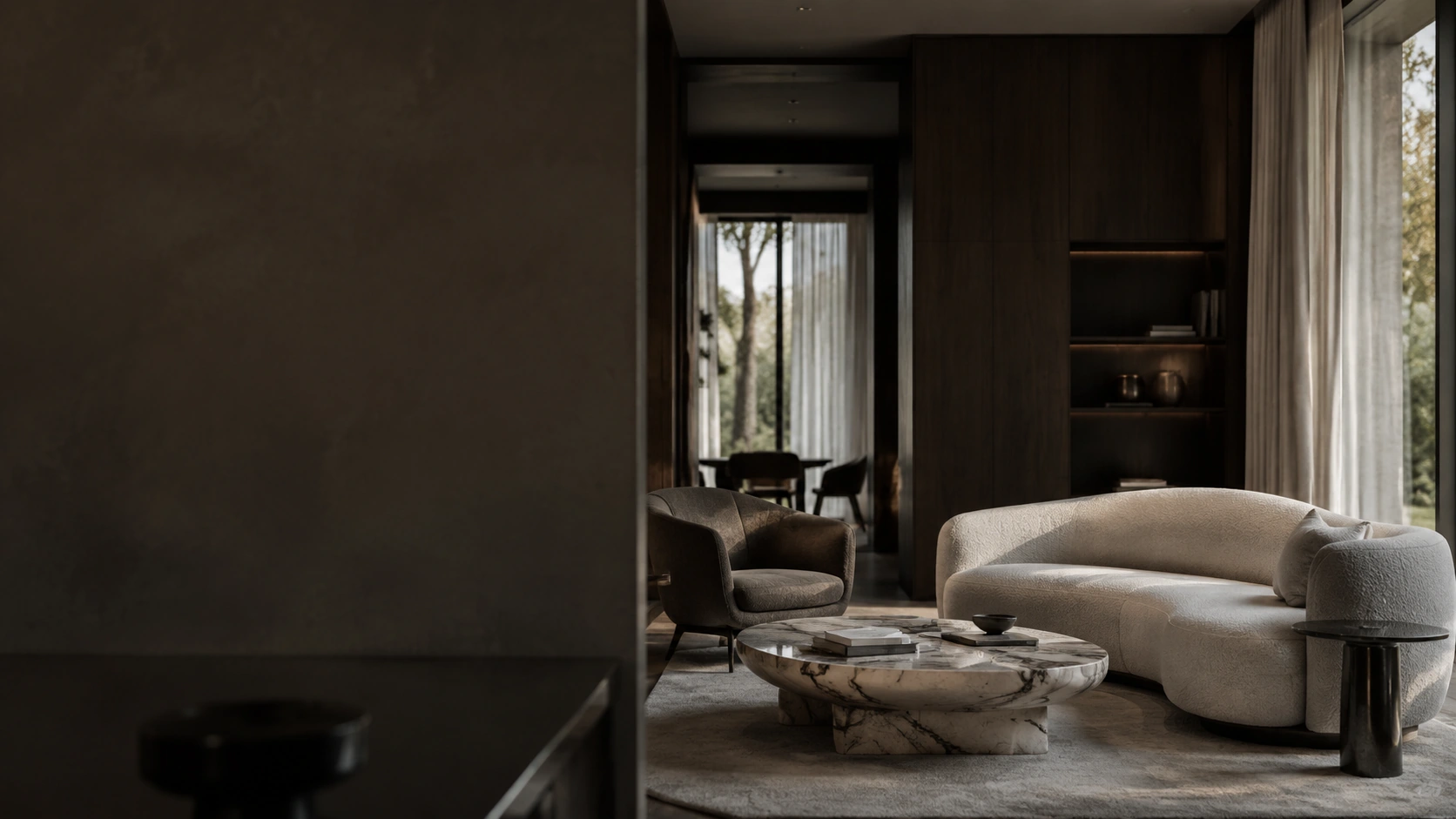
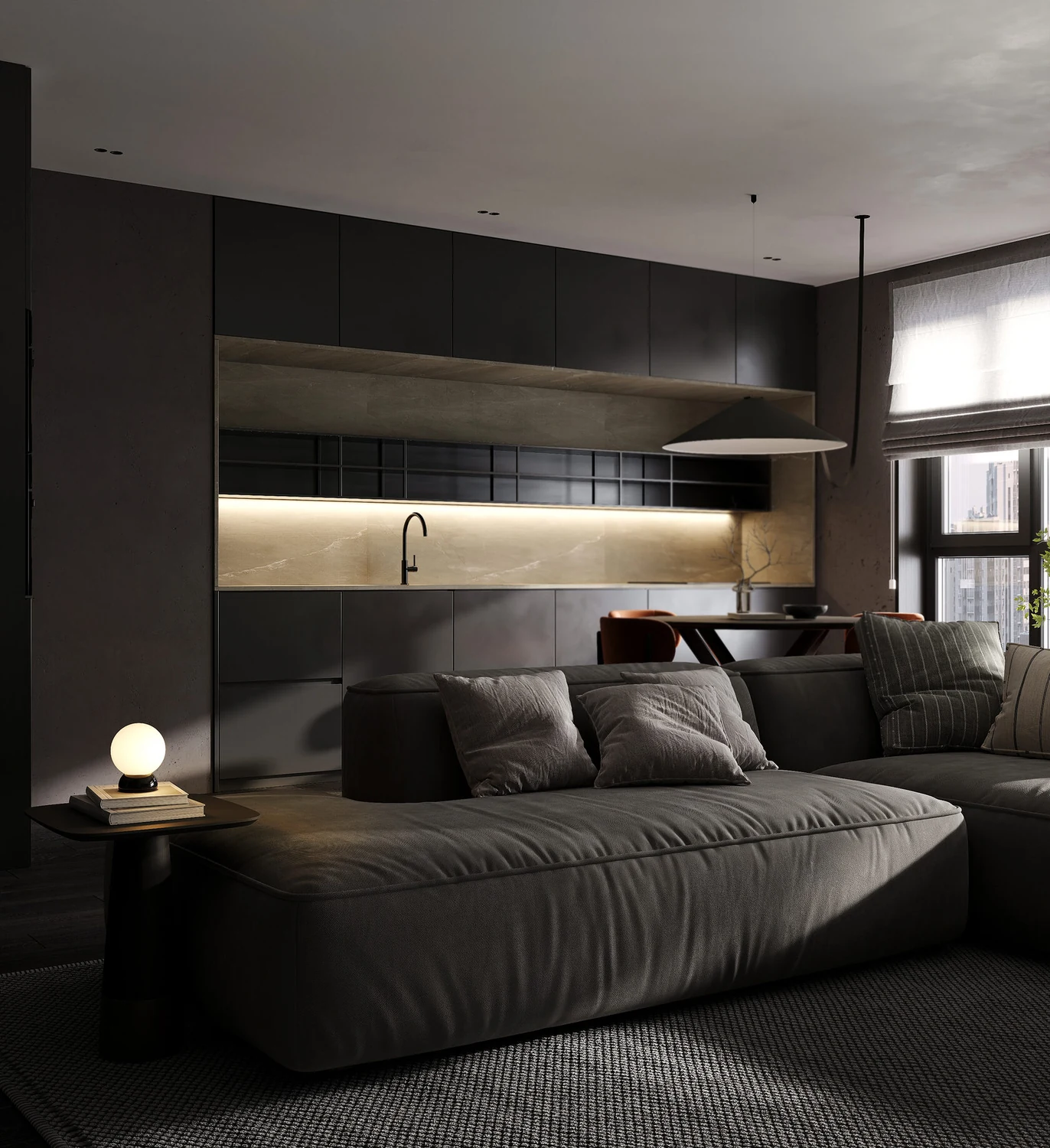
Create complete interior renders in 3ds Max and Corona. Build materials, compose your shots and master lighting — from dark rooms to all-white interiors.
DISCOVER THE COURSE
KFSCHOOL03 / EXTERIOR
ARCHITECTURE · LANDSCAPE · LIGHT
EXTERIOR
RENDER
Build architectural images from brief to final render. Create terrain and planting with Scatter, compose the landscape, and set daylight and night lighting in Corona.
DISCOVER THE COURSE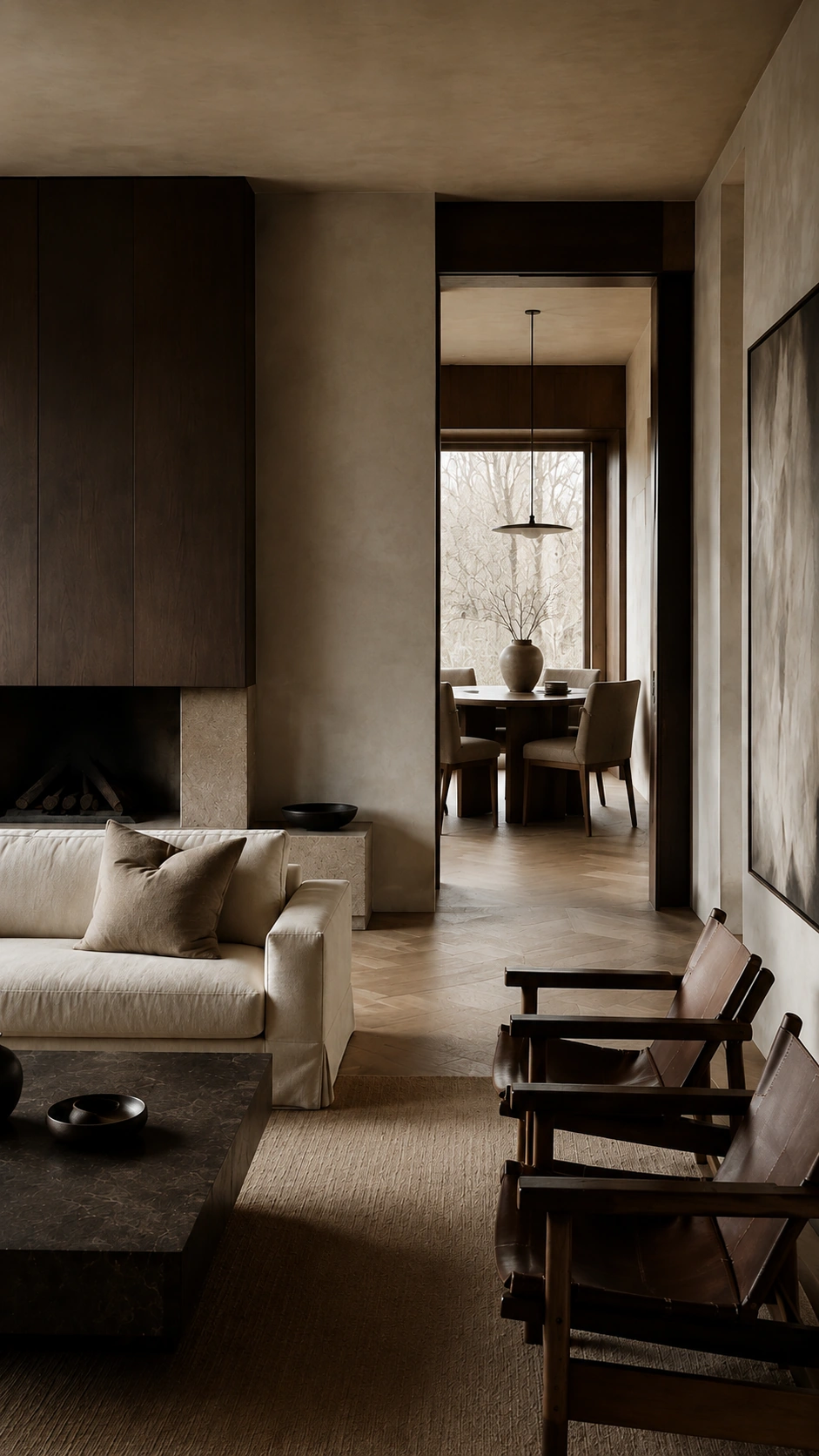
KFSCHOOL04 / AI
PRACTICAL AI WORKFLOWS
AI SKILLS
LAB
AI is changing how we work. Explore current workflows, practical applications and our best project-tested methods — from concepts and image refinement to motion.
EXPLORE PROGRAMS HOW IT WORKS A PROFESSIONAL
A PROFESSIONAL
WORKFLOW, STEP BY STEP.
WATCH
Each course combines an electronic coursebook with prerecorded video lessons for every topic. All materials are available immediately after purchase, with unrestricted access for at least one year. Students often return to particular topics: the coursebook keeps everything organized, with direct links to the relevant lessons, so you can quickly find and revisit exactly what you need.
PRACTICE
Build a complete project alongside the instructor, from a blank scene to the final renders. Each stage follows the workflow we use on real projects, so you learn not only individual tools, but also how the whole process fits together. Follow the steps, apply each new skill and see your project take shape as you progress.
GET FEEDBACK
You do not have to work through every challenge alone. In our shared student chat, you can ask questions, share work in progress and discuss anything that is holding you back. We and fellow students help answer questions, comment on work and suggest ways to resolve difficulties, so you can understand your next step and keep moving.
CREATE
Finish the course with a complete project for your portfolio. This project also serves as your final course assignment: send it to us for review and approval. Once it is approved, you receive a certificate of course completion — along with a finished piece that demonstrates the skills you have learned.
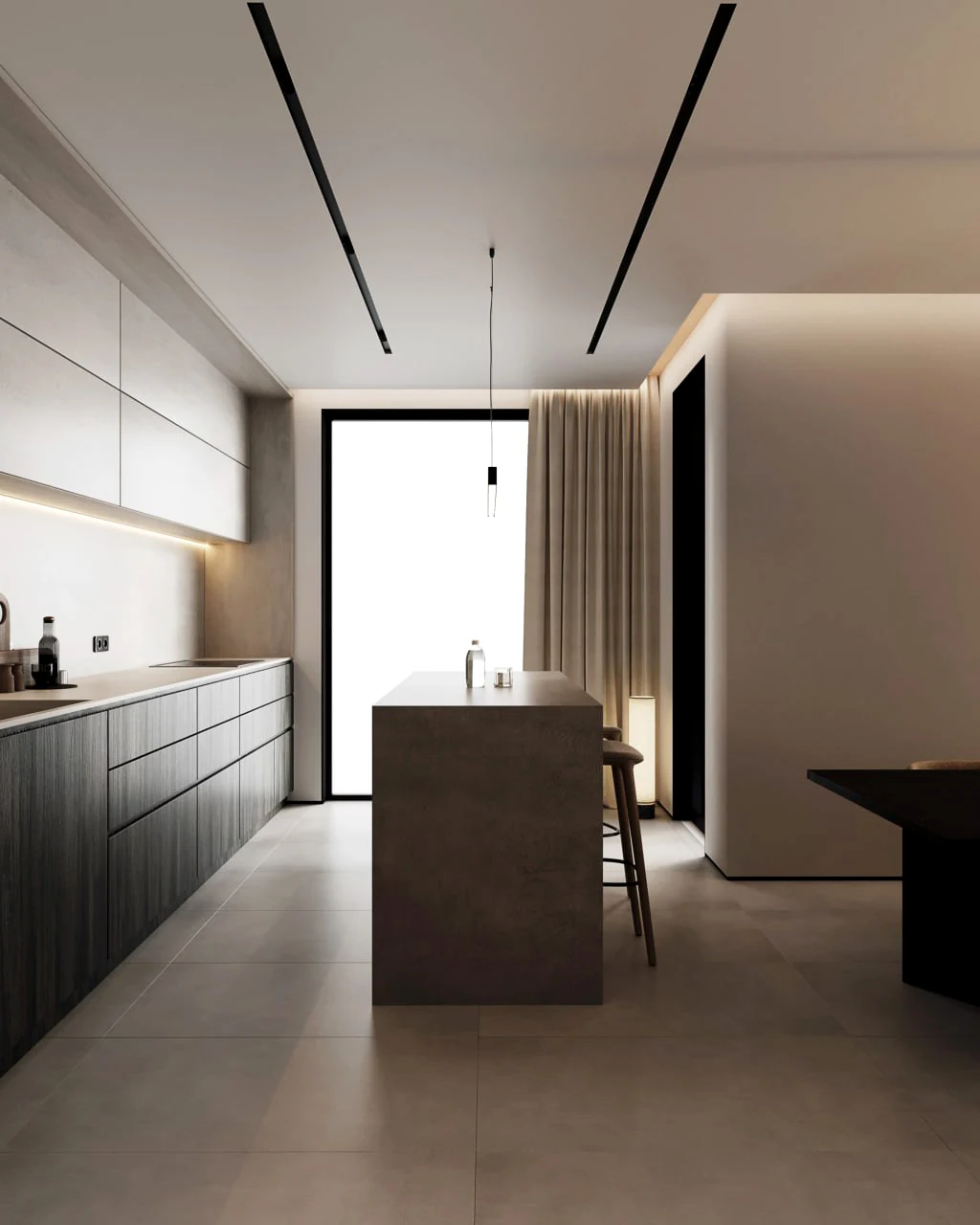
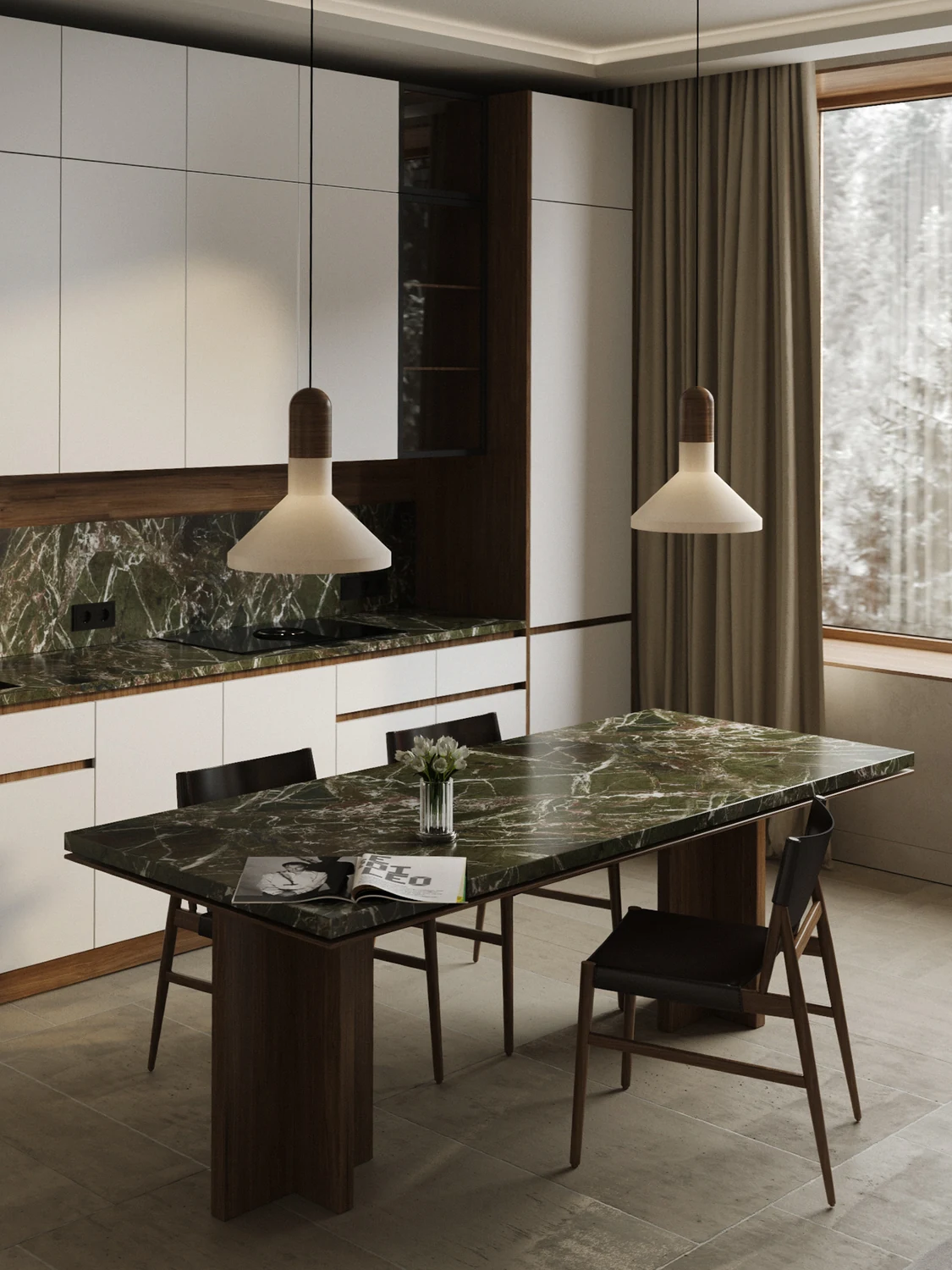
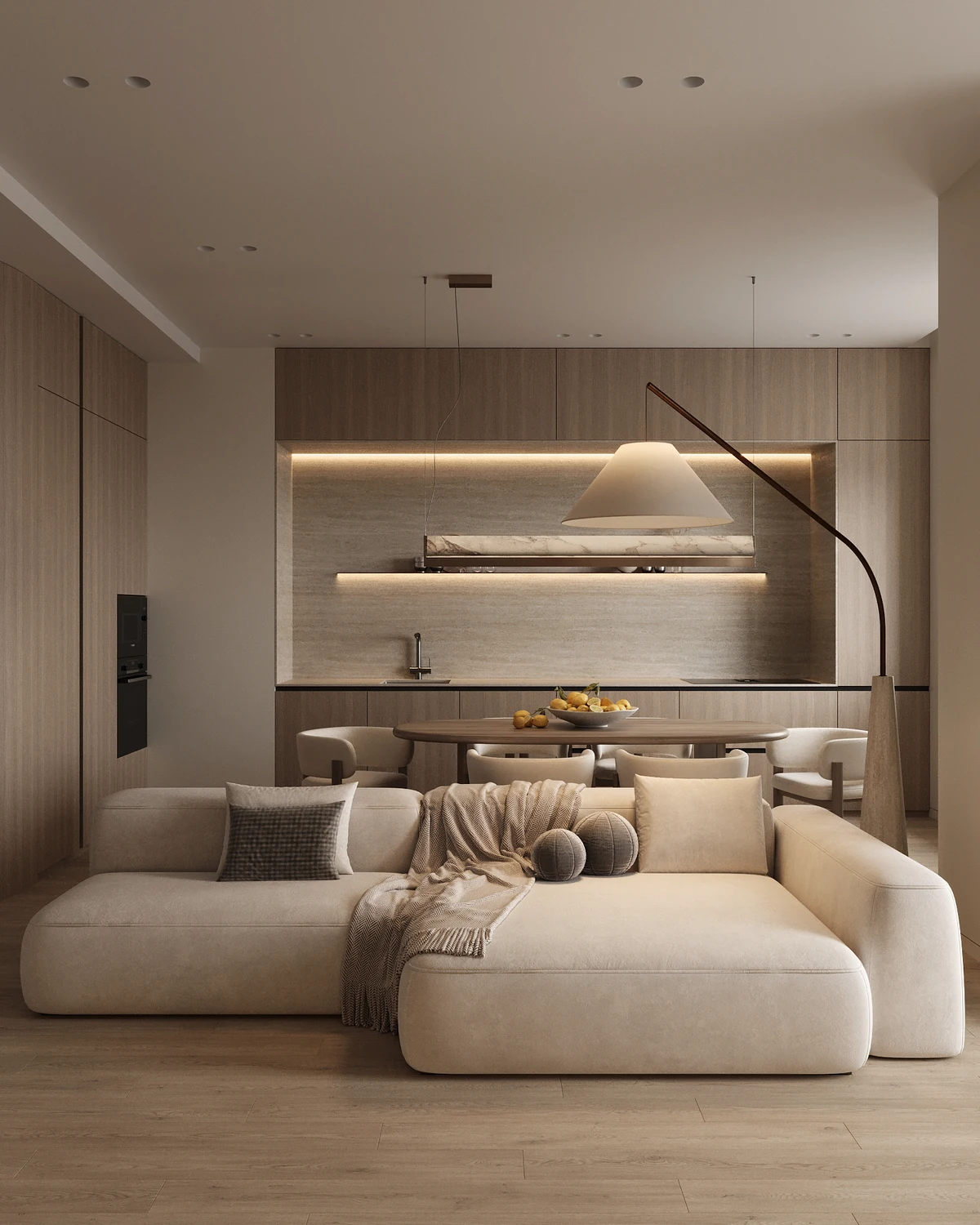
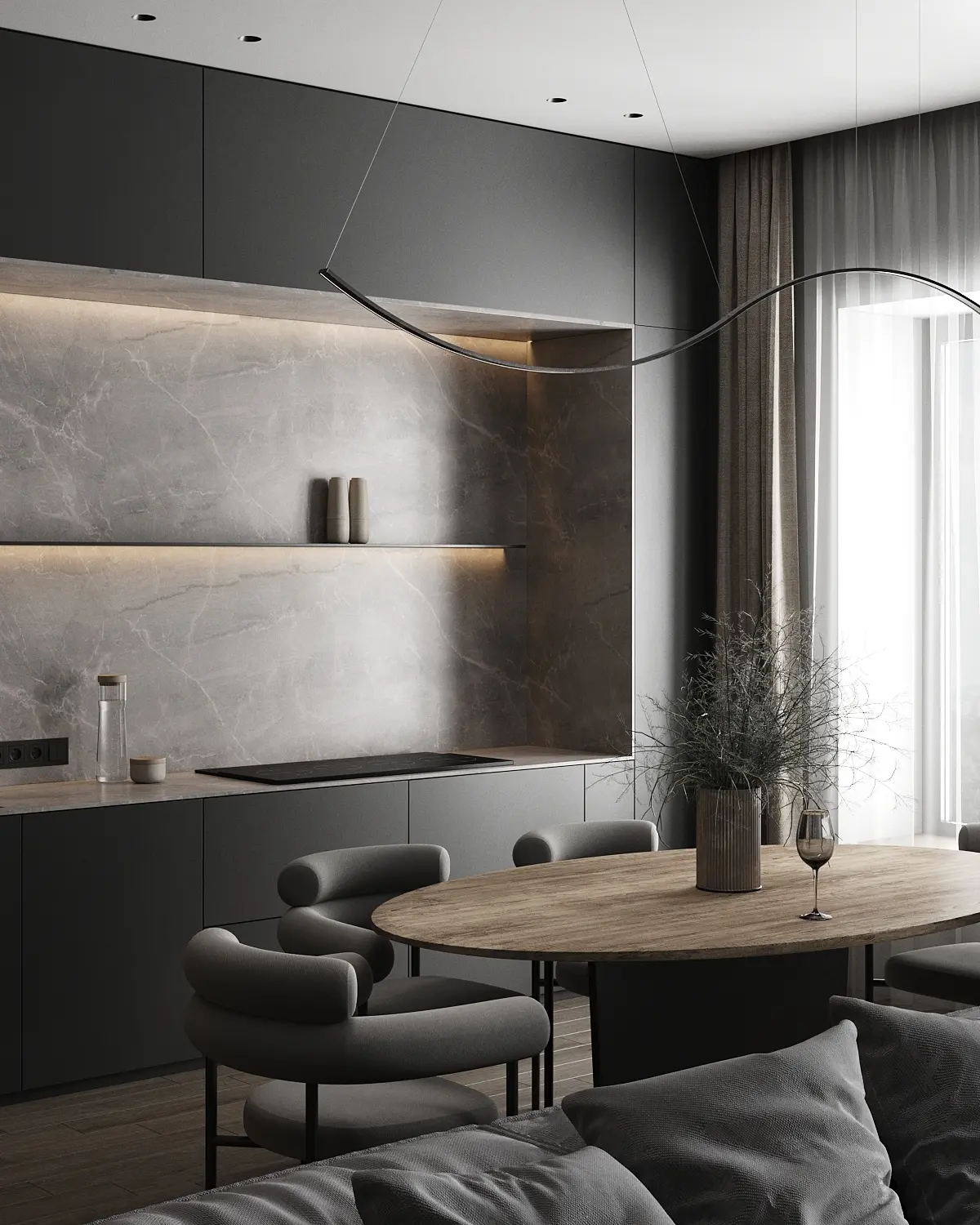
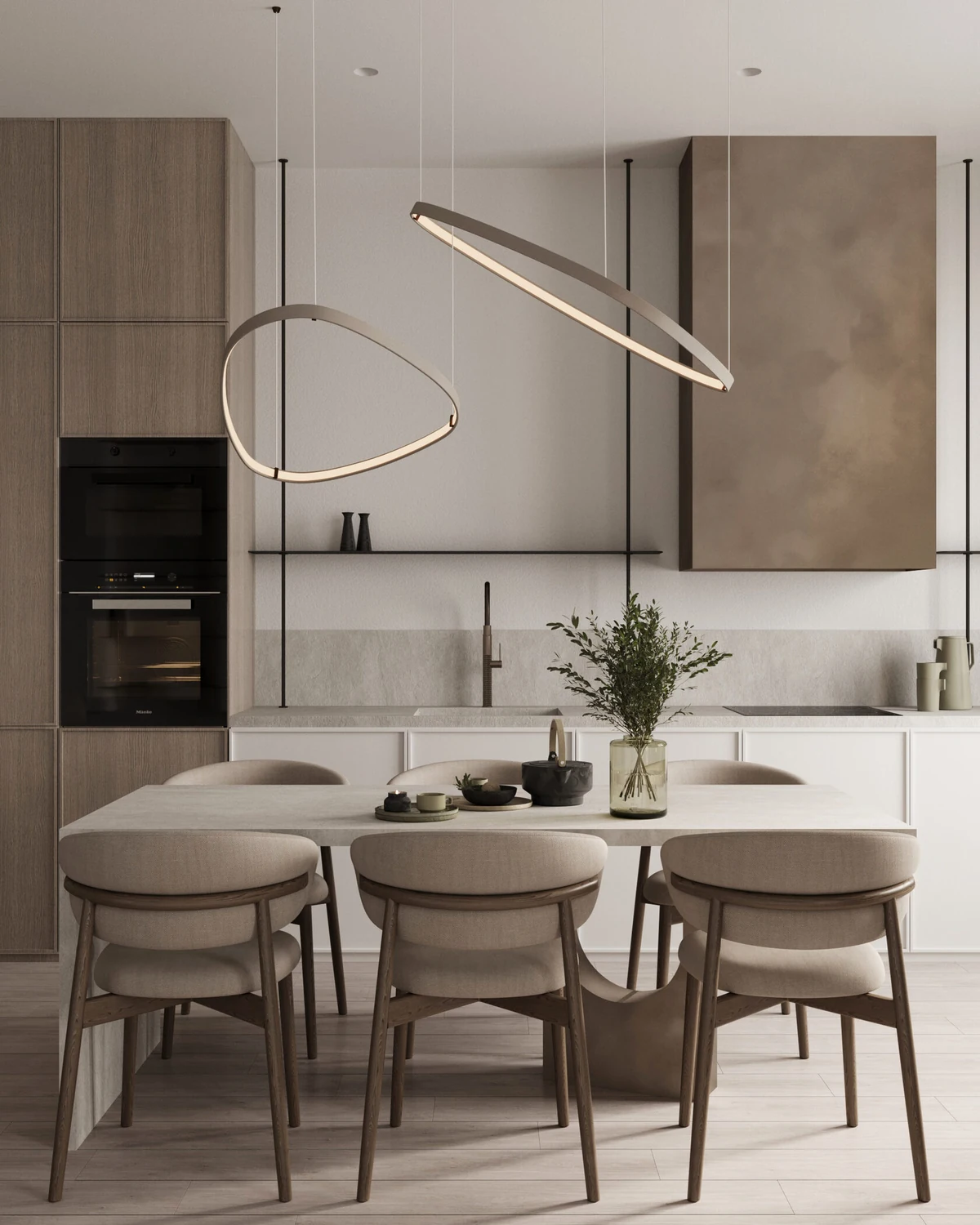
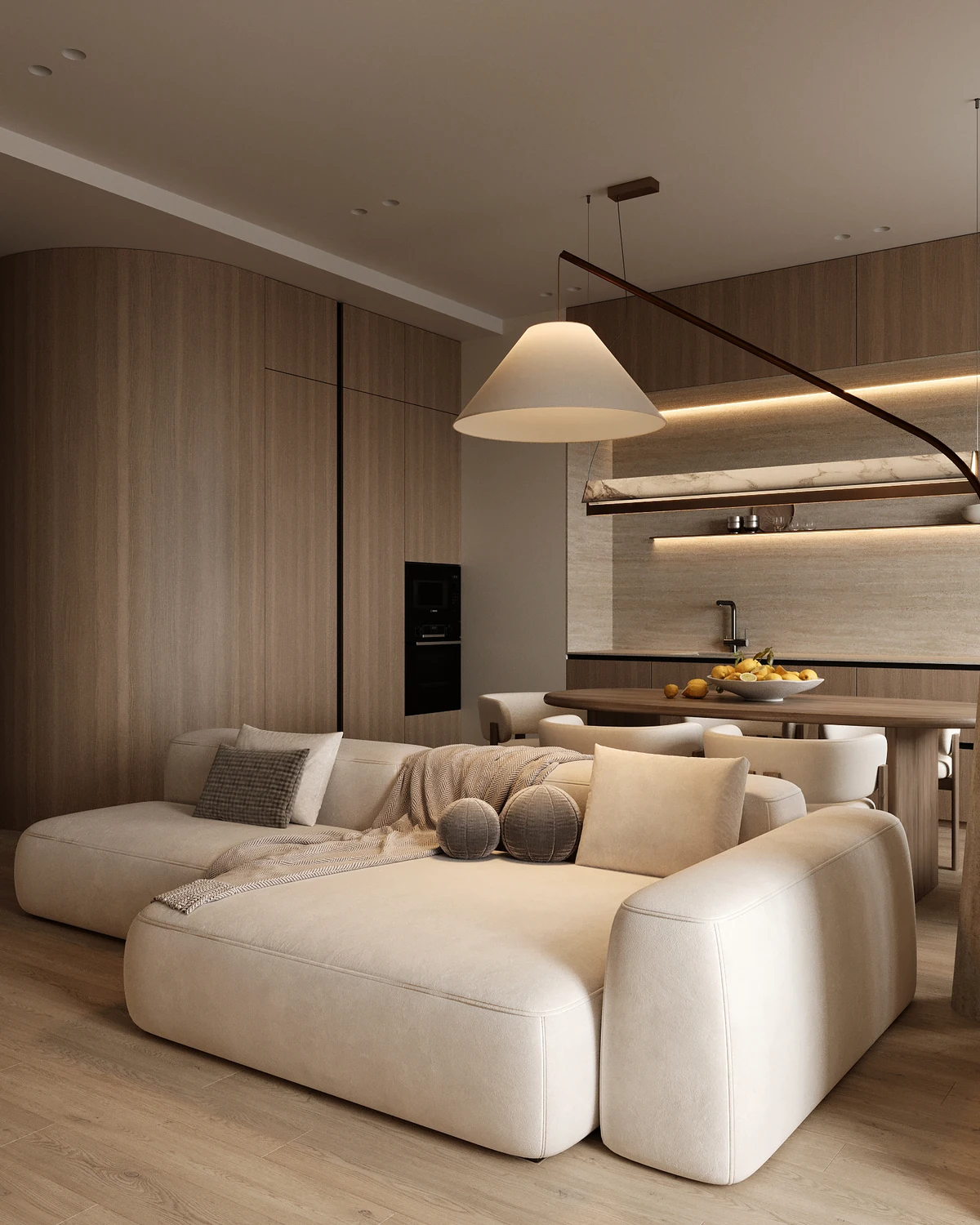
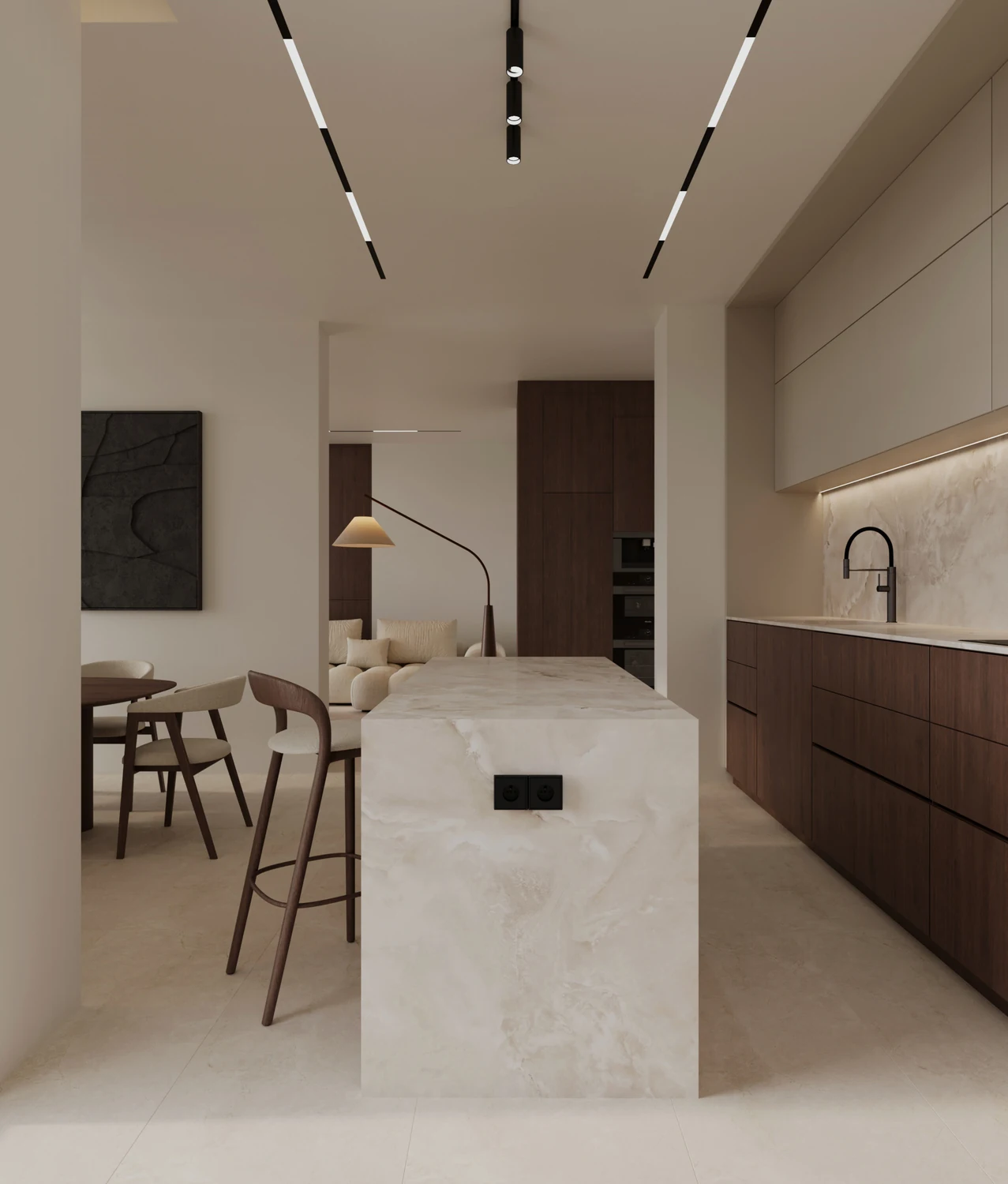
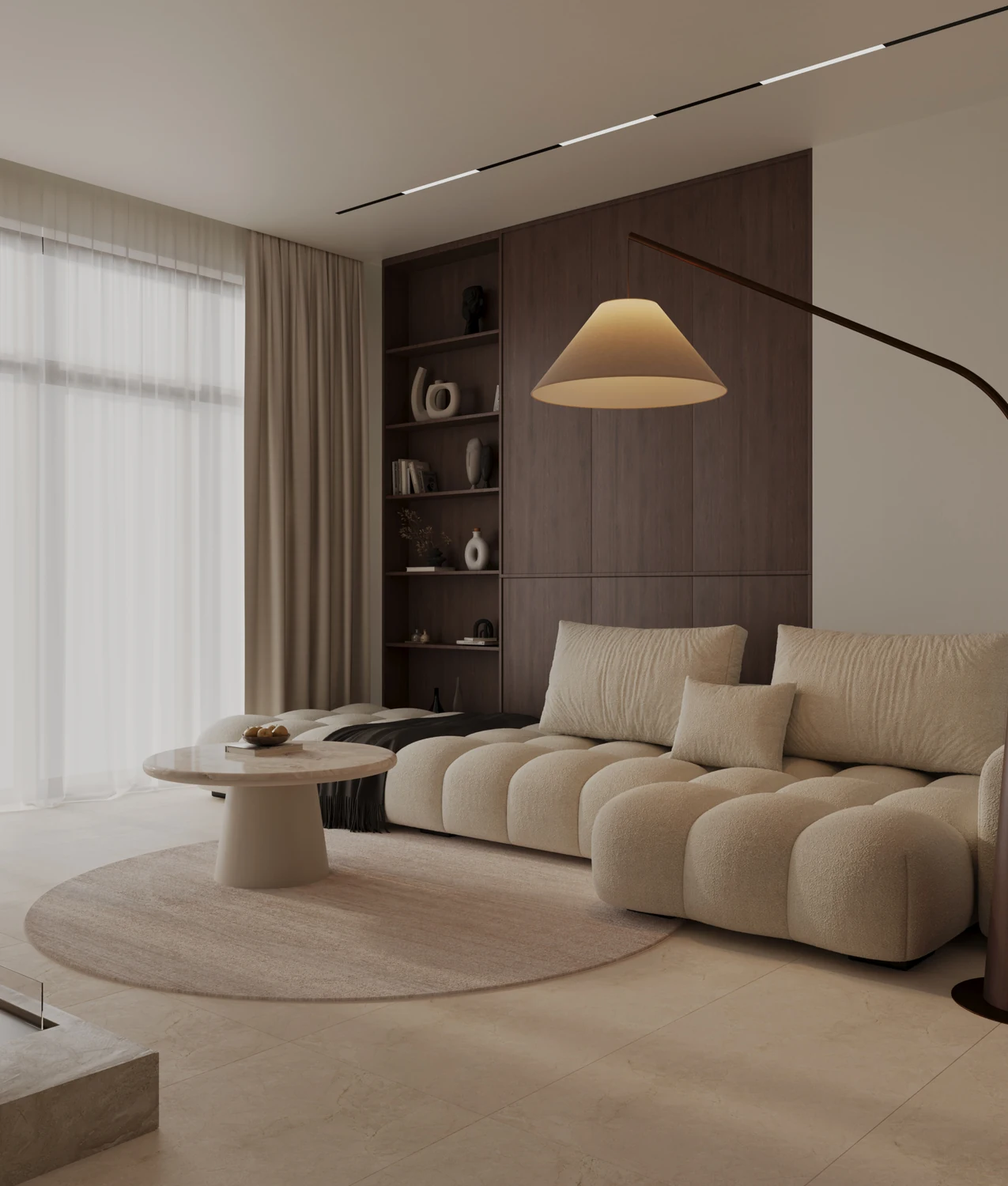
THE RESULT IS
THE ARGUMENT.
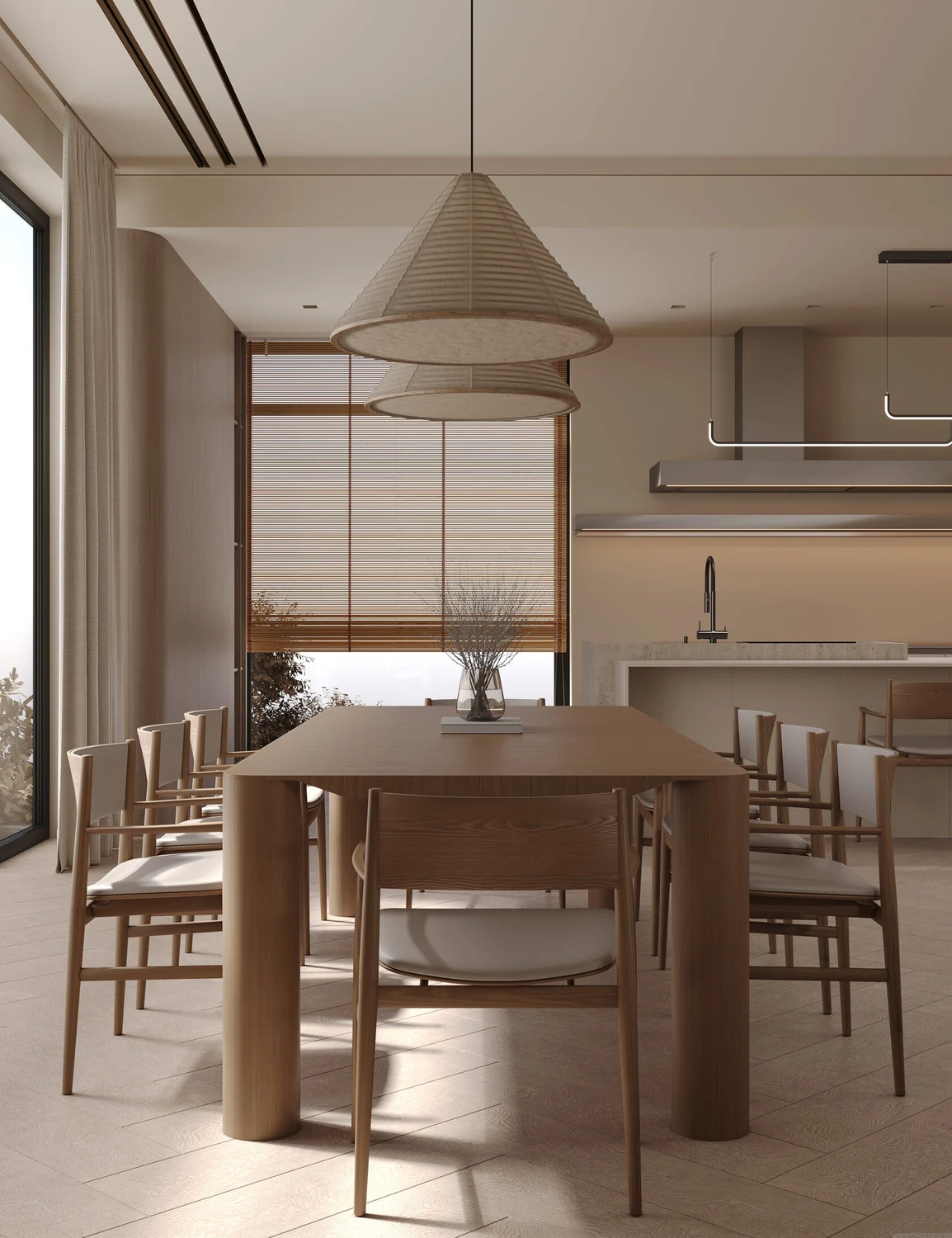
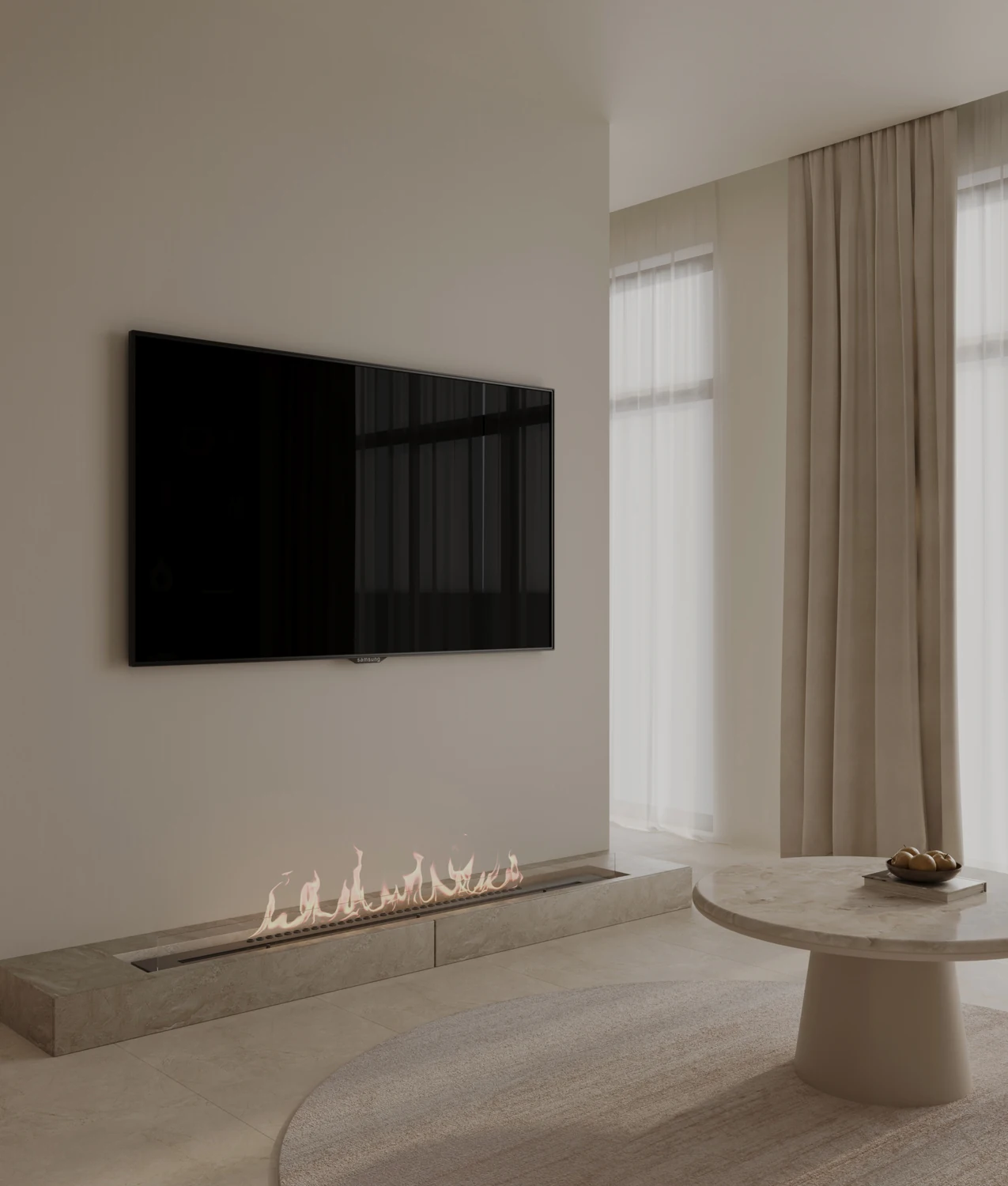
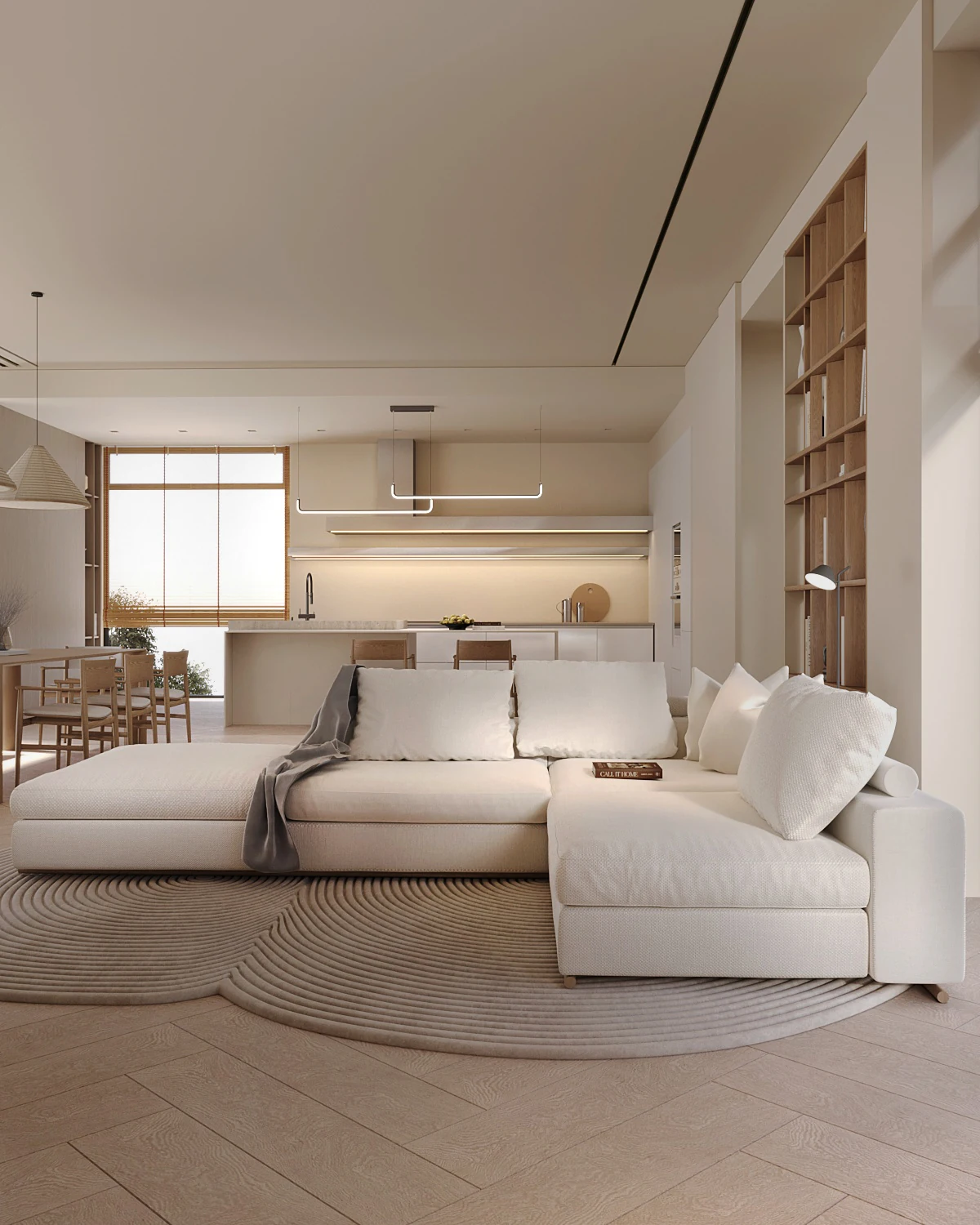
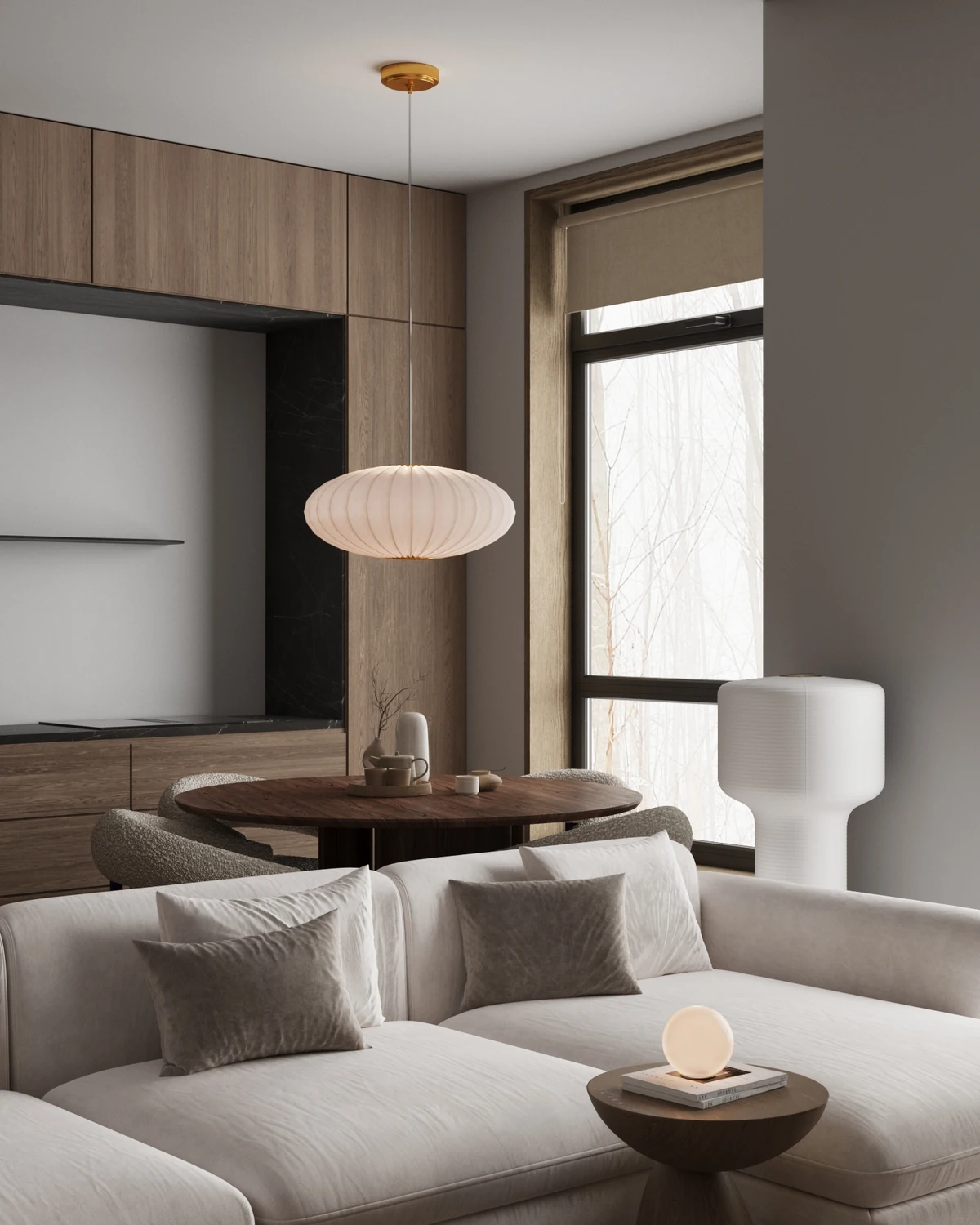
Real work. Real growth. A standard visible in every detail.


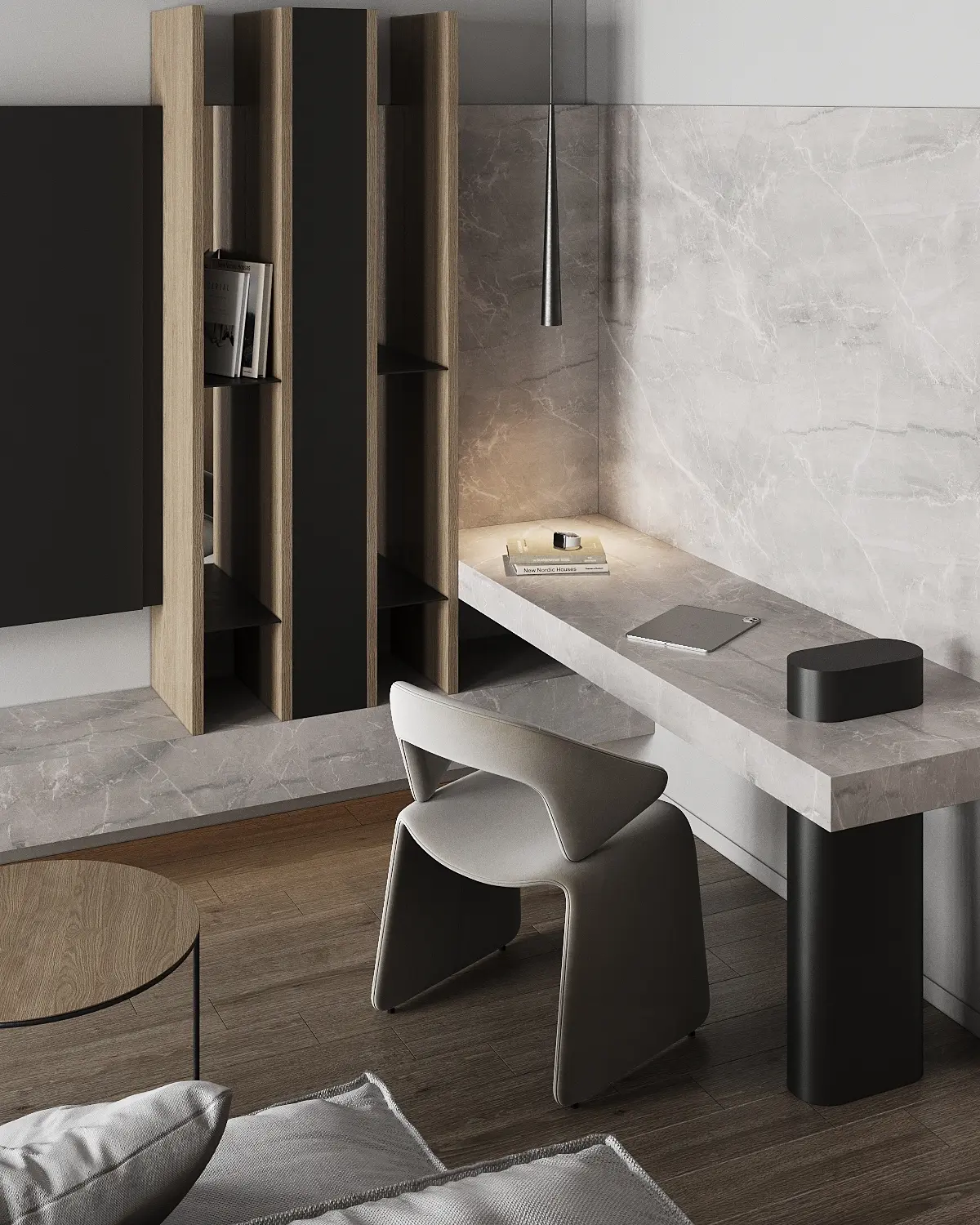
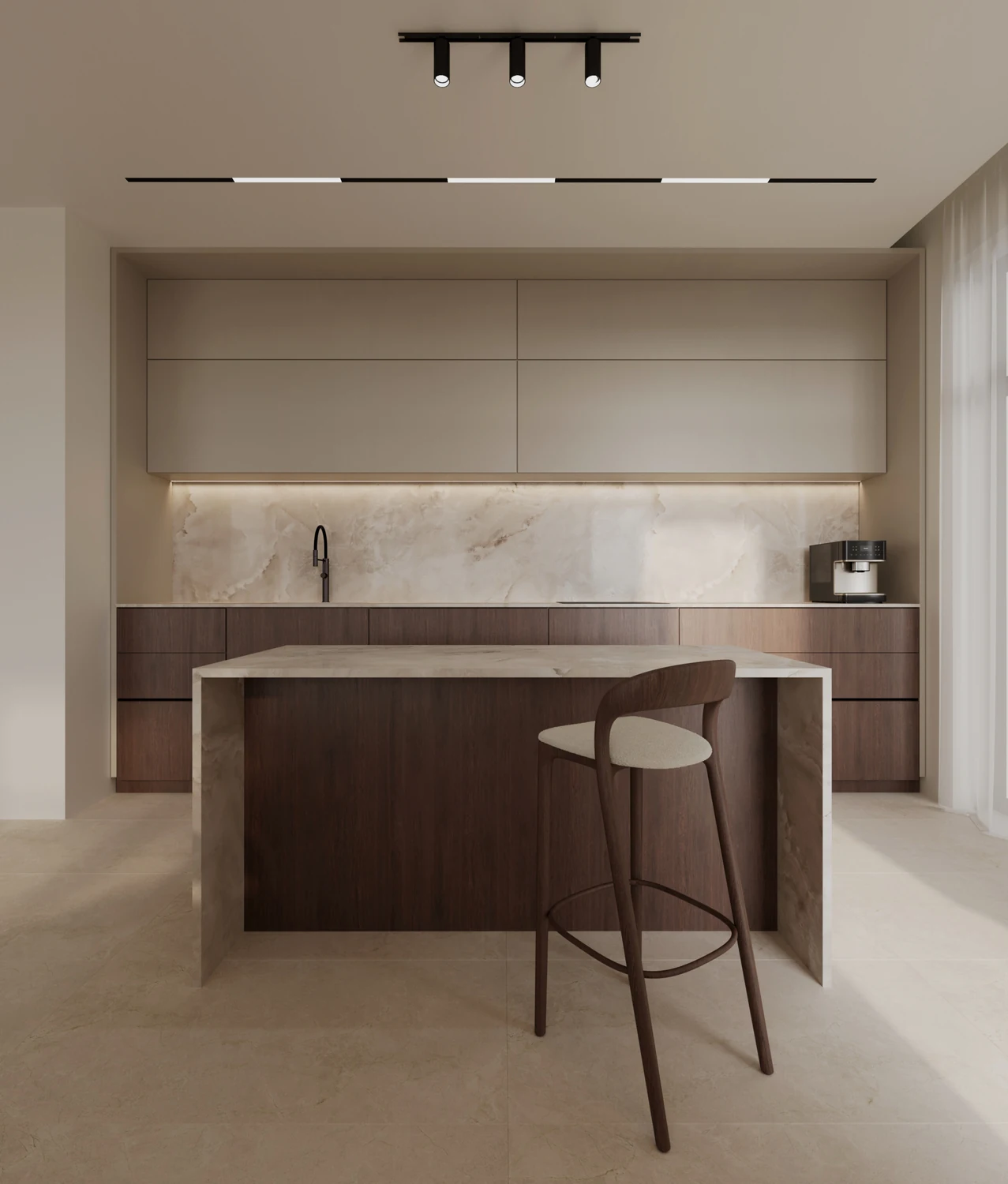

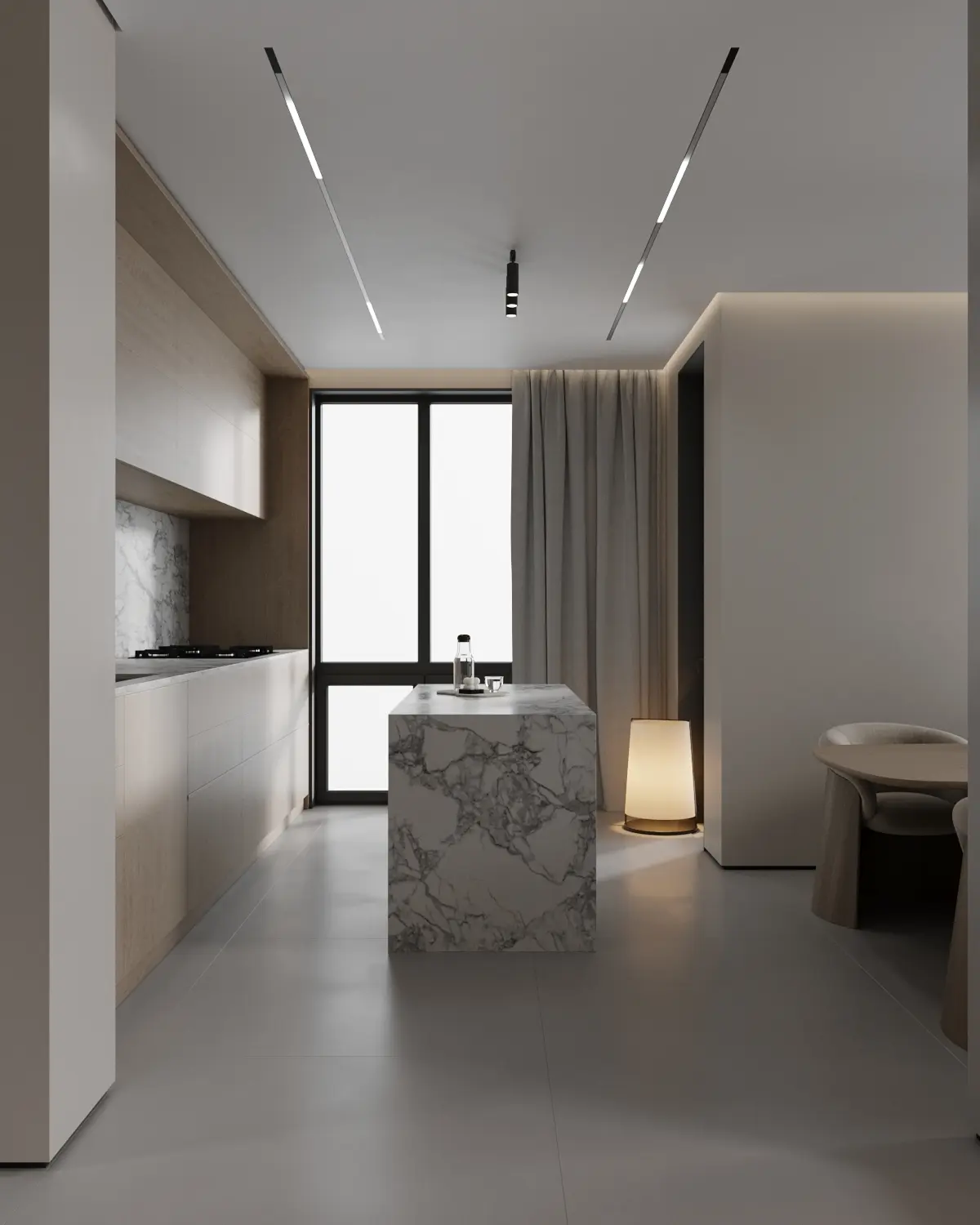
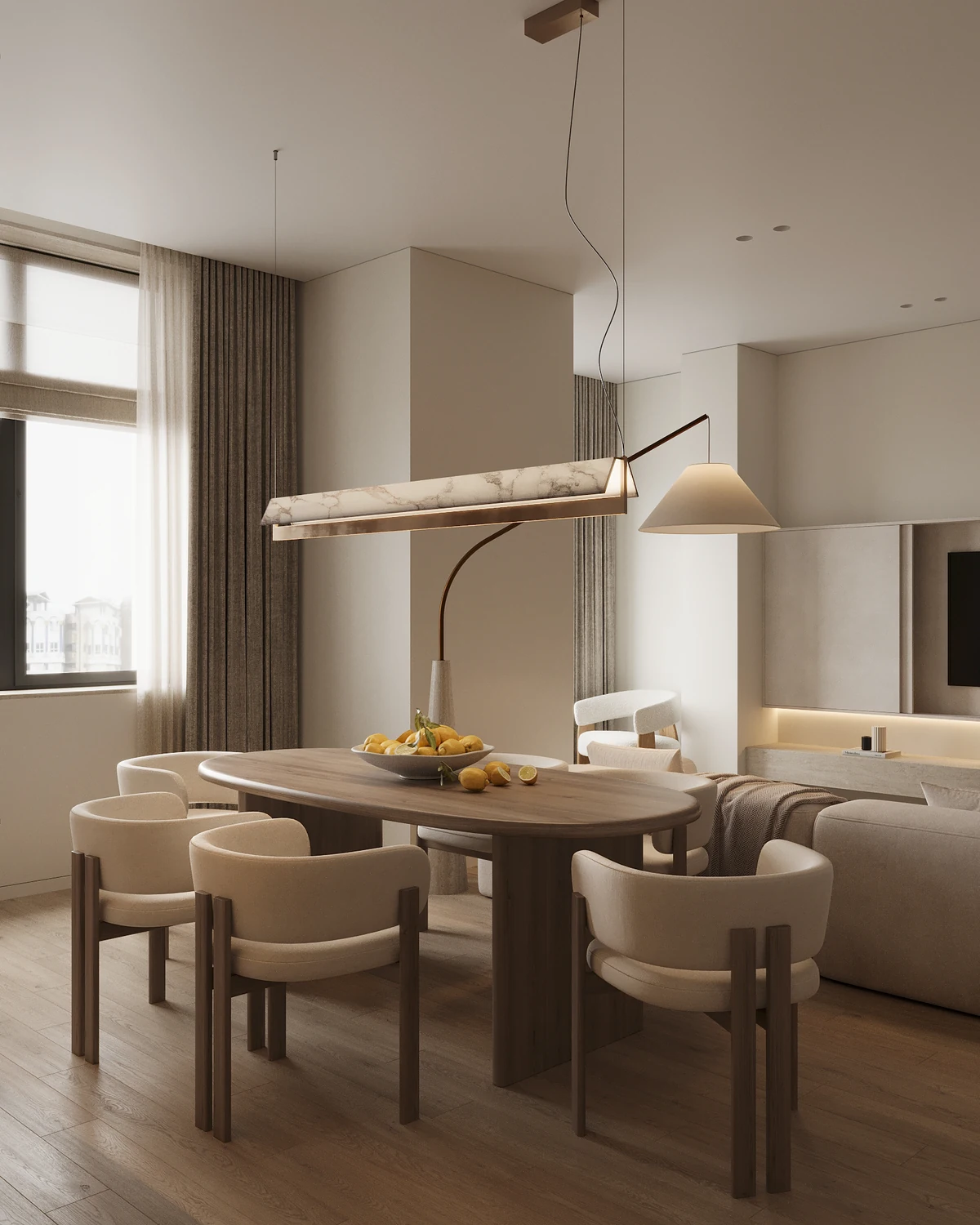
IN THEIR OWN WORDS
Small moments that change the way you work.
01 / PERFECT RENDER
“Your interior course and material palette was a game changer. … Small changes in gloss or ao can make such a big difference!”
02 / PERFECT RENDER
“The course taught me a lot of new things and made my work in 3ds Max easier. Working with lighting now brings me joy.”
03 / PERFECT RENDER
“Thank you for such a great and informative course. I improved my skills and really like the results.”
04 / PERFECT RENDER
“I just want to say a really big thank you for your support, help and feedback. You can't imagine the love I got for 3D visualizations with your school.”
05 / PERFECT RENDER
“The course showed me new lighting and composition scenarios. Many different scenes helped me understand how it all works across different projects.”
06 / PERFECT RENDER
“I especially liked the lighting topic. It became much easier to set up, especially as I had only just started using Corona.”
РЕЗУЛЬТАТ —
ЦЕ АРГУМЕНТ.
Реальні роботи. Реальний розвиток. Рівень, помітний у кожній деталі.
СЛОВАМИ СТУДЕНТІВ
Моменти, що змінюють підхід до роботи.
01 / PERFECT RENDER
“Ваш курс інтер’єрної візуалізації та палітра матеріалів змінили мій підхід. Невеликі зміни gloss або AO можуть дати таку велику різницю!”
02 / PERFECT RENDER
“Завдяки Вашому курсу я дізналась дуже багато нового і це полегшило мою роботу у 3ds max, робота з світлом тепер приносить мені задоволення.”
03 / PERFECT RENDER
“Дякую @kf.interior за такий крутий та інформативний курс. Вдосконалила свої навички, результати дуже подобаються.”
04 / PERFECT RENDER
“Хочу дуже подякувати за вашу підтримку, допомогу та зворотний зв’язок. Ви не уявляєте, наскільки завдяки вашій школі я полюбила 3D-візуалізацію.”
05 / PERFECT RENDER
“Курс показав нові сценарії світла та композиції. Багато різних сцен для розуміння як саме все працює в різних проектах.”
06 / PERFECT RENDER
“Тема освітлення особливо сподобалась, стало набагато простіше налаштовувати, тим паче що я тільки почала користуватися короною і ваш курс все розклав по поличкам.”
OUR POINT OF VIEW SOFTWARE CHANGES.
SOFTWARE CHANGES.
VISUAL THINKING STAYS.
SEE
Train the eye before the interface. Composition, proportion and light come first.
BUILD
Master production through complete, professional scenes — not isolated tricks.
EVOLVE
Use AI and new tools deliberately, while your authorship remains unmistakably yours.
KEEP EXPLORINGTOOLS FOR
TOOLS FOR
YOUR PRACTICE.
RESOURCES
Explore the KFSCHOOL resource library for your visualization workflow.
EXPLORE RESOURCESPATREON
Continue learning with KFSCHOOL on Patreon. Explore the available posts and membership options.
VISIT PATREONBEFORE YOU BEGINQUESTIONS,
QUESTIONS,
ANSWERED.
Can I start without 3D experience?+
Yes. Light Start is designed as a complete foundation and assumes no professional 3D background.
Which course should I choose?+
Start with your current level: Light Start for foundations; Perfect Render or Exterior for focused professional growth. Explore AI Skills Lab for AI tools and workflows.
How long do I have access?+
You will have access to the course materials for at least one year. Please check the selected course page for its exact current terms.
Which software do I need?+
Our core workflow uses Autodesk 3ds Max, Chaos Corona and Adobe Photoshop. Free trial versions are available on the official product websites. Advanced programs may also use Unreal Engine and current AI tools.
Will I receive a diploma?+
After successfully completing your thesis project, you will receive a KFSCHOOL diploma.
Is feedback included?+
You can receive support and ask questions in the school’s private course chat.
