
Come back whenever you need.
Your access to the course materials has no time limit. Revisit a lesson, refresh a technique or pick up where you left off.
Learn the complete interior visualization process: understand a real brief, build the scene, work with light and materials, render and present the result. Start with Light Start, then go deeper with Perfect Render and AI Masterclass — both included.
INCLUDED AS GIFTS ↗
Perfect Render + AI Masterclass
Advanced lessons included. Access to both gifts from the start.
Unlimited-time access · Ask questions in the chat · No diploma deadline
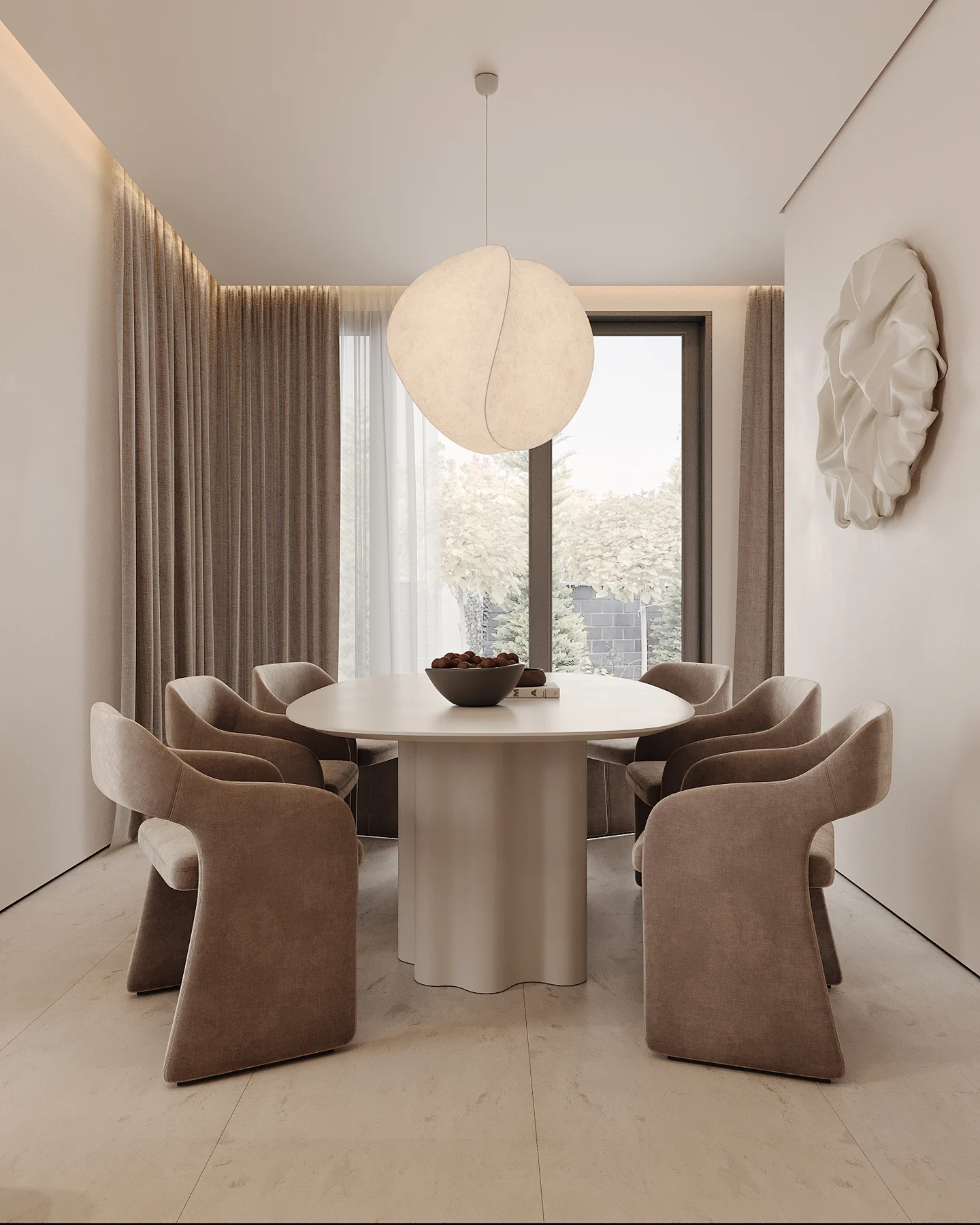
Fit the course around your life. Return to the materials, ask questions and work on your diploma when you're ready.
Your access to the course materials has no time limit. Revisit a lesson, refresh a technique or pick up where you left off.
You have access to the course chat. Ask about the lessons, share a difficulty and get help understanding your next step.
There is no time limit for completing your diploma project. Take the time you need to practise, refine the work and prepare your submission.
Light Start students, sharing their course experience alongside their finished projects.
“I completed your wonderful course and am sending you my completed thesis.”
“you can always get answers to your questions”
“Everything is accessible”
Begin with installation and the interface. Build a working scene step by step as you learn the tools.
Connect drawings and construction details to geometry, surfaces and lighting in a 3D interior.
Follow a sequence from the brief to the final images, with study scenes and a diploma task to bring the pieces together.
Already comfortable with complete interior projects? Ask us which course fits your level.
Follow the complete process from understanding the assignment to building, rendering and presenting your project. Open each unit to see the skills you will practise.
Understand a visualizer's responsibilities, project stages, workload and the principles of working with a team.
Work through a technical brief and drawings. Study plinths, cornices, materials and interior lighting types.
Installation, interface setup, scripts and extensions. Organise models, save your files and create project archives.
Create walls, floors and ceilings. Model plinths, cornices, mouldings, cabinet furniture and simple furniture and lighting elements.
Natural and artificial lighting, accents, window backgrounds and HDRI. Explore different lighting scenarios.
Seamless textures, reflection and bump maps. Correct materials on existing models, control texture scale with UVW mapping and explore complex materials.
Image format and resolution. Practise wide horizontal views, vertical frames, close-ups and atmospheric shots, then set up batch rendering.
An introduction to animation and lighting scenarios, with InShot and Reels as ways to present your visual work.
Personal branding and working with clients. Explore Instagram profiles, Behance, Pinterest, TikTok and a portfolio website.
Bring the learning together in the diploma assignment. Use the project checklist, prepare your submission and apply for a KFSCHOOL certificate after your work is approved.
One connected learning path: build your foundation in Light Start, develop your workflow with Perfect Render and its additional in-depth lessons, then explore AI Masterclass. Both additional programmes are included as gifts, available from the start.
Your starting point: build an interior in 3ds Max + Corona, from drawings and geometry to the final camera views.
MAIN COURSE / BEGINNERContinue into interior and object visualization, lighting, materials and composition, with additional in-depth lessons.
GIFT / AVAILABLE FROM THE STARTExplore AI as an additional tool for your visual practice. Open the masterclass whenever you're ready to expand your toolkit.
GIFT / AVAILABLE FROM THE STARTWe teach how the whole project works and provide the learning toolkit to practise it: full lectures, micro-lessons, real project briefs, study scenes, textures, material models and a chat for questions.
PROF TUTOR
Course for beginnersThe book brings complete lectures and short, topic-specific lessons together. Learn the subject in depth, or quickly revisit an individual tool while working on a project.
Watch the workflow, pause at the tricky part and repeat it in your own project.
Explore study scenes, textures and material models, including wood, stone, glass, fabric and metal.
Practise with a collection of real project assignments. Learn to read a brief, work through its requirements and bring the result together in a finished interior. Ask questions in the student chat.
The learning materials include editable scenes, Corona materials and ready-made models you can use in your work. Study how the pieces are set up, then apply them as you build your own scene.
Open prepared scenes in 3ds Max + Corona to explore their structure and learn directly from a working file.
A library of Corona materials for applying, studying and adjusting surfaces in your scenes.
Prepared project assignments give you a clear task to practise, with drawings and references to guide your work.
Course files are included in your learning toolkit. The software itself is purchased or licensed separately.
Preview actual course pages: see a lighting setup, follow the steps for creating a multitexture, and explore the personal-branding and client-work unit. Enlarge any page to read it.
Full lectures give you the explanation and context behind the workflow.
Micro-lessons help you refresh a specific operation without repeating the whole topic.
Unlimited-time access means the coursebook can stay part of your working toolkit.
Watch the kitchen modelling lesson here on the page. Pause, replay and follow the steps in the embedded player before continuing with the course.
Build the foundations, practise with real project briefs and continue at your own pace.
Buy the course & keep learning ↗The course includes a collection of real project briefs, giving your practice a concrete task and a result to work towards.
Connect the project requirements to the drawings, space and details you need to build.
Put geometry, materials, lighting and camera skills to work on a complete project.
Use the project checklist, ask questions in the chat and prepare your diploma without a deadline.
A preview of the tasks you can practise: read the dimensions, understand the construction and recreate the object in 3D.
Use the real project briefs and drawings to build your skills, then bring them together in your diploma project. There is no deadline for completing it.
You can use 6–8 weeks as a starting study plan, or take longer. Course access does not expire, and your diploma project has no completion deadline.
Read the topic and watch the demonstration before opening your working scene.
Apply what you've learned. Test the settings and see how the scene changes.
Use the student chat when you need help understanding the next step.
Complete your images and prepare a diploma submission for assessment.
Course creators and founders of KF.SOLUTIONS. We bring the interior visualization workflow from our studio practice into the lessons.
Meet the studio behind the course ↗Start from zero with Light Start. Develop more advanced skills with Perfect Render and its in-depth lessons, and explore AI Masterclass. The complete learning path and course toolkit are included in your €159 purchase.
Need help deciding? Tell us your experience and what you'd like to create.
Ask about the course ↗Enrollment and payment are completed on kf-school.com. Software licensing is separate from the course purchase. Review the purchase terms before paying.
Light Start is the main beginner course. You also receive Perfect Render with additional in-depth lessons and AI Masterclass as gifts, available from the start. Begin with Light Start and move into the additional materials at your own pace.
Yes. The programme starts with the profession, drawings, installation and the 3ds Max interface before moving into interior geometry, light and materials.
The core workflow uses 3ds Max and Corona. The presentation unit also introduces InShot and Reels. Arrange access to the required software separately and check that your computer meets its requirements.
Study through a digital coursebook and recorded videos, with unlimited-time access. You also have access to the student chat, where you can ask questions about the course.
You can plan around 6–8 weeks of regular study, but this is only a suggestion. Take longer whenever you need to: access to the course materials is not limited in time, and there is no deadline for your diploma project.
A certificate is available after your diploma project is submitted and approved. There is no deadline for completing the diploma: practise and prepare your submission at your own pace.
Access to the course materials is unlimited in time. You can return to the lessons and continue learning at your own pace.
Yes. Student chat access is included. Ask questions about the lessons and the difficulties you encounter while practising.
No. Completing your diploma project is not limited in time. You decide when to practise, finish and submit the work for approval.
The final learning unit introduces personal branding, client work and portfolio platforms. You can use this to plan your presentation; employment, client enquiries and income are not guaranteed.
